Online · 9 July 2025
AI Power-Up
Unlock your AI toolbelt

About this deck: the slides of a training for program managers, given online on 9 July 2025 and rebuilt for the web in November 2026. Most of the session was live demos, so the slides are few; the demo script has the rest. The illustrations are AI-generated; the one on slide 3 was redrawn for this version.
AI Safety & Ethics
- Never input confidential PII data
- Always fact-check and edit AI outputs
- Review AI outputs carefully for bias
- Start with low-risk tasks and experiments
Introduction - AI is your new super-intern
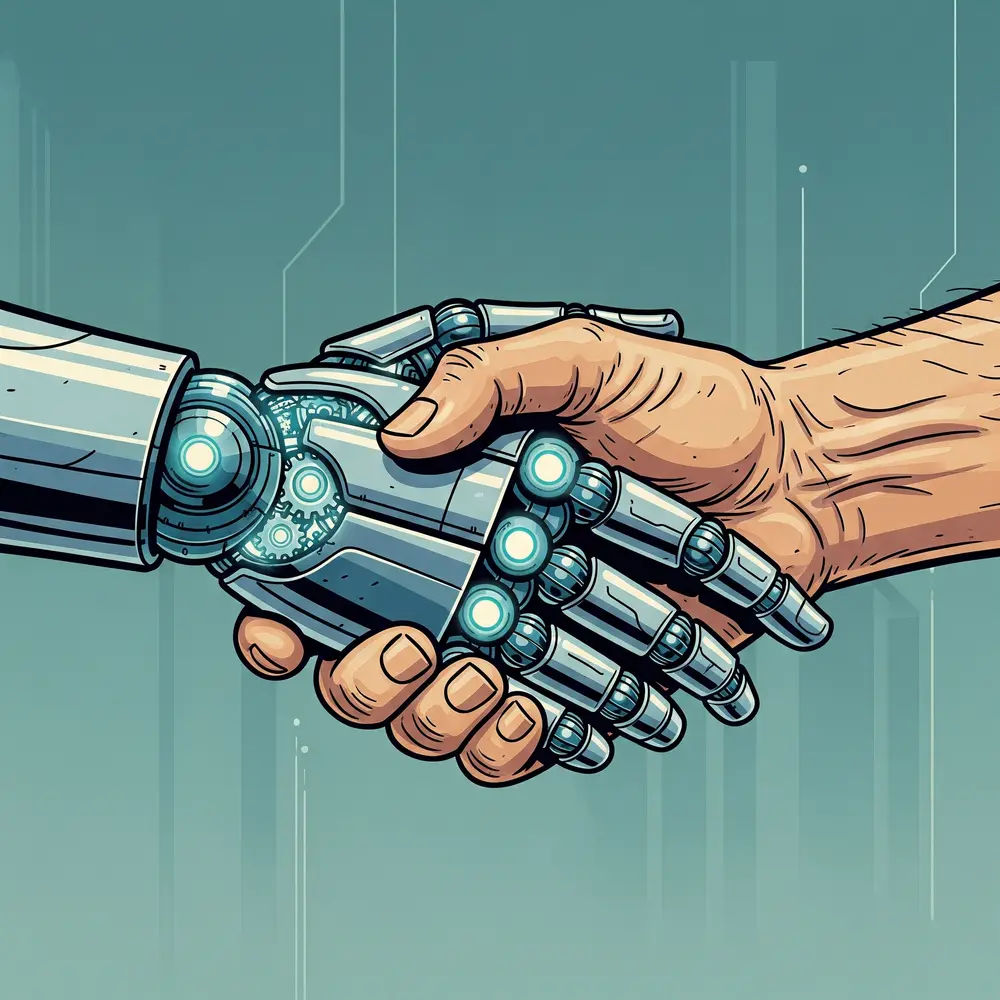
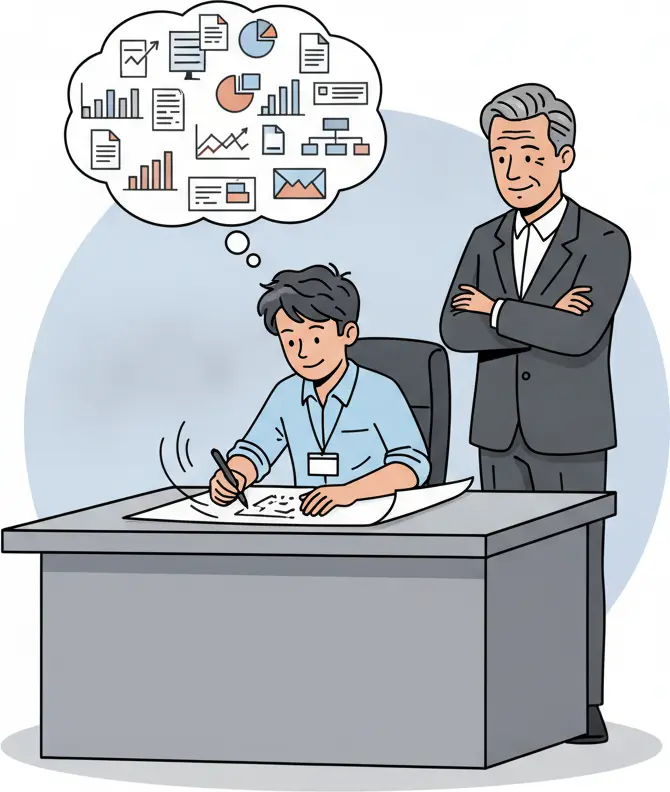
Think of AI not as a genius that will replace you or a tool that does everything for you, but as a super-fast, knowledgeable intern.
CRAFT your prompts
- Context sets the scene and situation
- Role defines the AI's persona
- Action specifies the desired verb
- Format shapes the output style
- Tone conveys the desired emotion
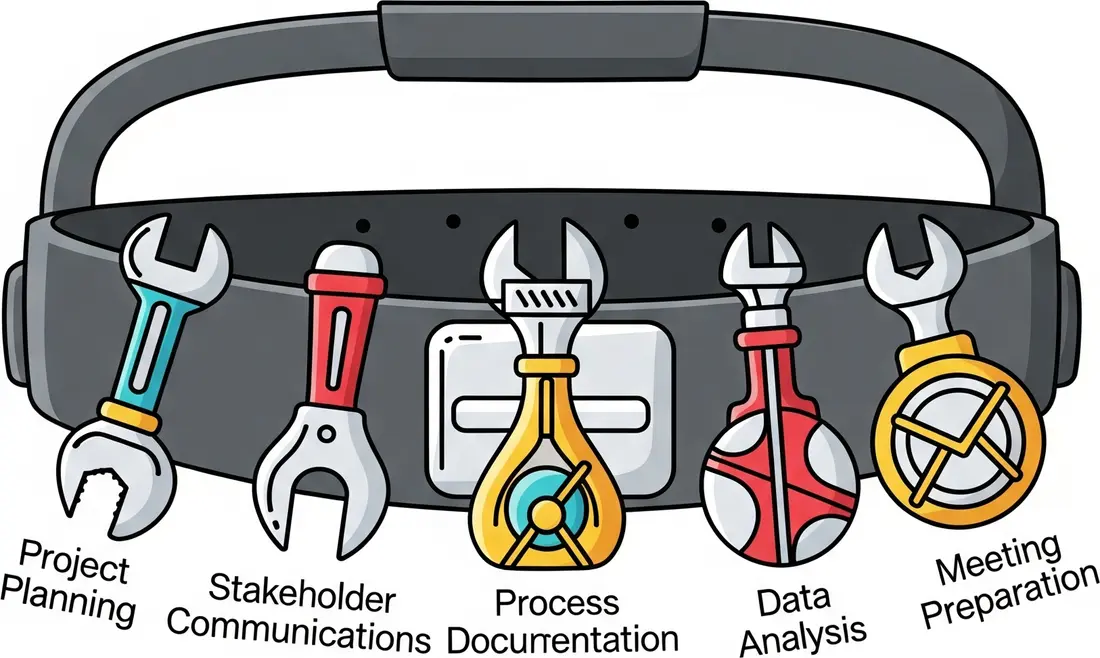
The AI Toolbelt Recap
- Three categories of AI tools:
- General purpose chatbots (e.g. Gemini, ChatGPT, Mistral)
- Specialized AI tools (e.g. NotebookLM, AI Studio)
- Embedded AI functionality (e.g. Copilot, Gemini in apps)
- Write your prompts as if you're working with an intern. (CRAFT)
- Pro tip: chatbots can help with that too
- When you're not sure, ask a chatbot to help you create a plan.
- Most AI chatbots are multi-modal, use that!
- There is a cheat sheet! (yey!)